Security
Your members' data, kept in its own place
Each association runs on its own copy of MemberCove, with its own database, file storage and backups.
- 1 database for each association
- 30 days of point-in-time restore
- 0 card numbers stored by MemberCove
- 2 steps to sign in for owners and admins
What protects your data
The safeguards built into every association's copy of MemberCove.
-
A database of your own
Your association's data lives in its own database, with its own file storage. It is never mixed with another association's.
-
Two-step sign-in
Owners and admins confirm each sign-in with a passkey or an authenticator app. Members can sign in with a passkey too.
-
Roles for every staff member
Owner, admin, events, finance, communications or read-only. Each person sees and changes only what their role covers.
-
An audit log
Changes are recorded with who made them and when. Filter the log by person, action or date, and export it.
-
No card numbers here
Members enter card details on Stripe's checkout page. MemberCove keeps the record of the payment, never the card.
-
Backups
The database can be restored to any minute in the last 30 days, so a mistake can be undone.
-
Signed tickets
Ticket QR codes are signed by the server and expire after the event. Each one checks in once.
-
Protected public forms
The join form and other public forms are rate limited and can require a Cloudflare Turnstile check, which keeps most bots out.
-
Careful AI access
AI assistants connect through a person's own sign-in. They can't delete records, issue refunds, send campaigns or change settings.
Audit log
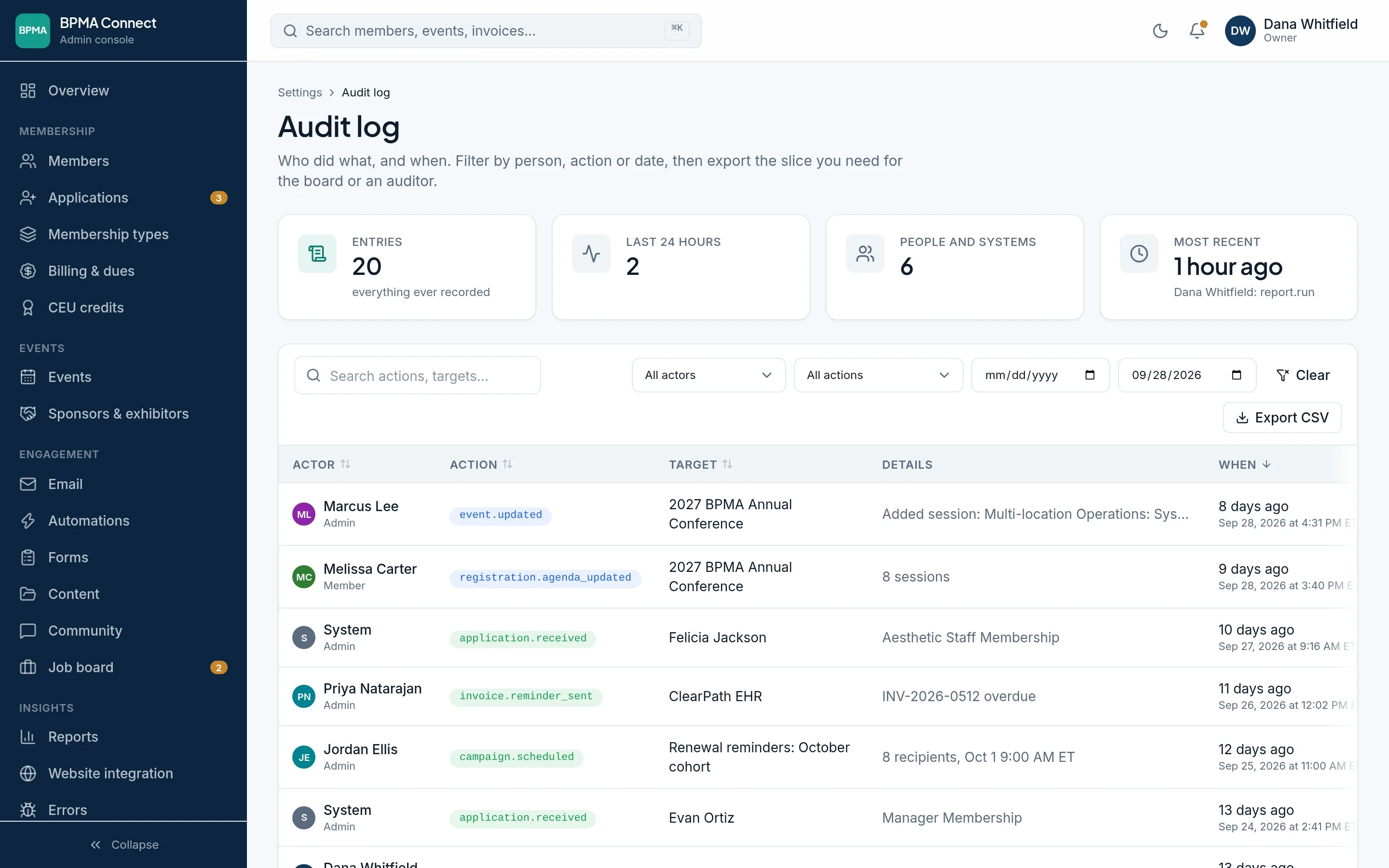
A record of every change
The audit log shows who did what and when, from edited events and new applications to reminders and scheduled campaigns. Filter it by person, action or date, then export the part you need for the board or an auditor.
- Staff, members and automatic jobs are all recorded
- Filters by person, action and date
- CSV export
Staff roles
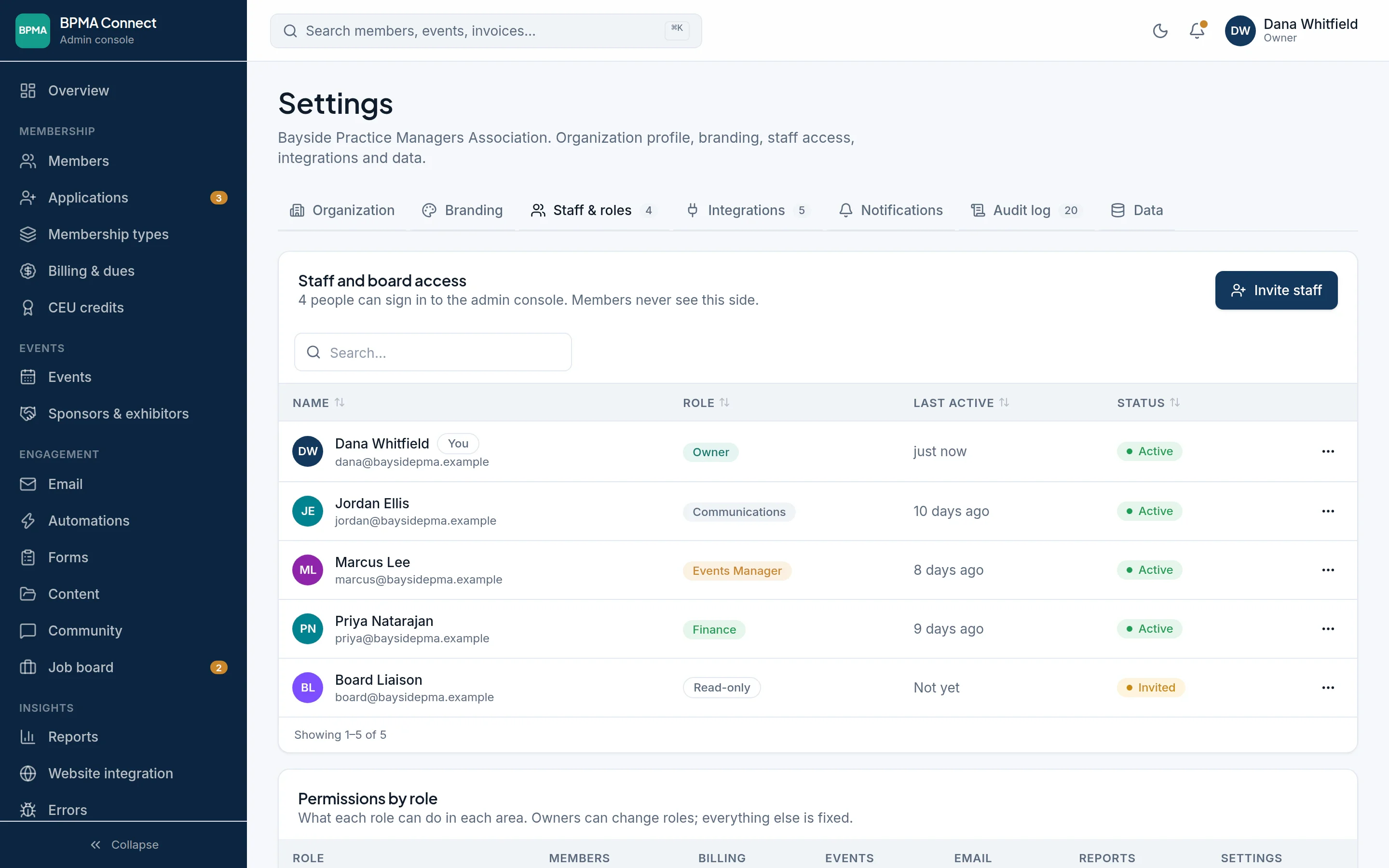
Access that matches each person's job
Invite staff and board members with the role that fits. Finance staff can work in billing without touching events, and a board liaison can look without changing anything.
- Six roles, from owner to read-only
- A permissions table for each role
- Only owners can change roles
Built on Cloudflare
MemberCove runs on Cloudflare's network, and every page is served over HTTPS. Each association gets its own set of these services.
- Workers runs the app
- D1 holds your database
- R2 keeps uploaded files
- Queues sends email and runs jobs
Questions about security?
Ask us anything about how MemberCove handles your members' data. We're happy to go through it on a call.
Each association gets its own database